
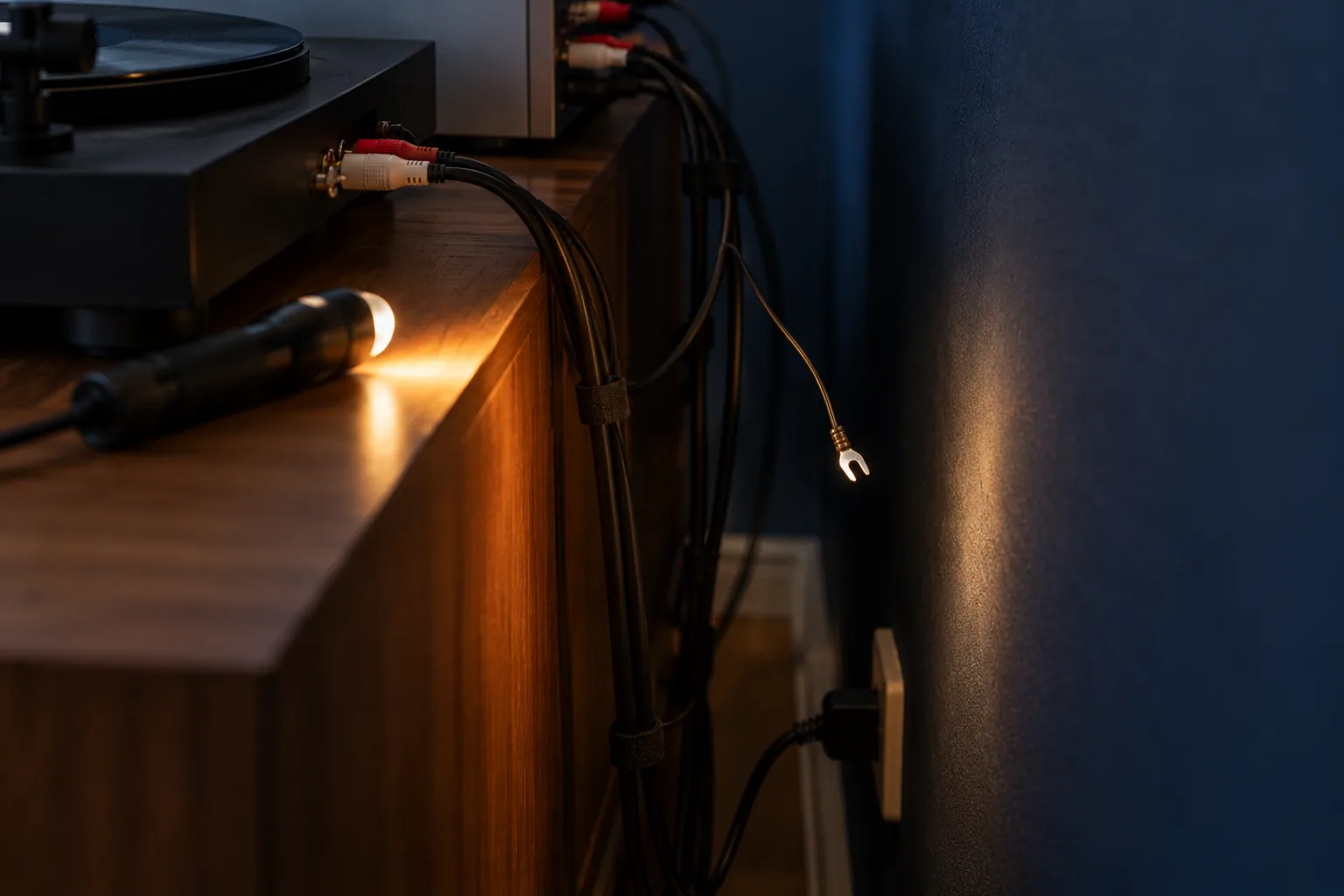
The problem: Your turntable hums, sounds thin and quiet, distorts or is completely silent, and you do not know whether it is the turntable, the cables, the amplifier or the stylus.
The short route: Start with what costs nothing: the earth wire, the switch, the number of preamps and the cables. The stylus comes last, and only buy when something is genuinely missing.
Turntable humming or no sound: start with what costs nothing
A turntable that hums, sounds quiet or makes no sound at all is rarely broken. In most cases a wire is loose, a switch is set wrong or there is one preamp too many or too few in the chain. Those are things you check in a few minutes, without tools and without buying anything.
This guide works through the causes in the order it is best to check them: first the earth wire, then the phono/line switch, then whether there is exactly one preamp in the chain, then the cables and plugs, and only last the stylus. That order is not random. It starts with the faults that happen most and cost least, and ends with the only part that genuinely wears.
Change one thing at a time while you search, and turn the volume down before you connect or disconnect anything. A plug pulled out of a phono input with the volume up gives a loud bang through the speakers. How the whole setup should be when everything works is covered in the guide on connecting your turntable. This guide is for when it still does not sound right after that.
Which symptom do you hear?
Listen carefully to what is wrong first, because each symptom points a different way. A constant, low hum that gets louder as you turn up the volume, even when the stylus is not on the record, is almost always an earthing problem. Quiet, thin sound without bass, where you have to turn the volume knob a long way, usually means a preamp is missing. Loud, distorted sound even at low volume usually means the opposite: two preamps in a row.
If you hear sound on only one side, or one side drops out now and then or crackles, the problem is in a connection: a plug, a cable or one of the thin wires behind the cartridge. If you hear nothing at all, something somewhere in the chain is almost always switched off or on the wrong input. And if it sounds distorted mainly on loud passages and towards the end of a side, while the start sounds fine, the stylus comes into the picture.
Do one simple test before you search further: switch the amplifier to another source, for example the radio or a phone on the aux input. If that also hums or distorts, it is not the turntable but the amplifier or the speakers. If that source sounds fine, the problem lies between the stylus and the amplifier's input, and that is what the rest of this guide is about.
Turntable humming: look at the earth wire first
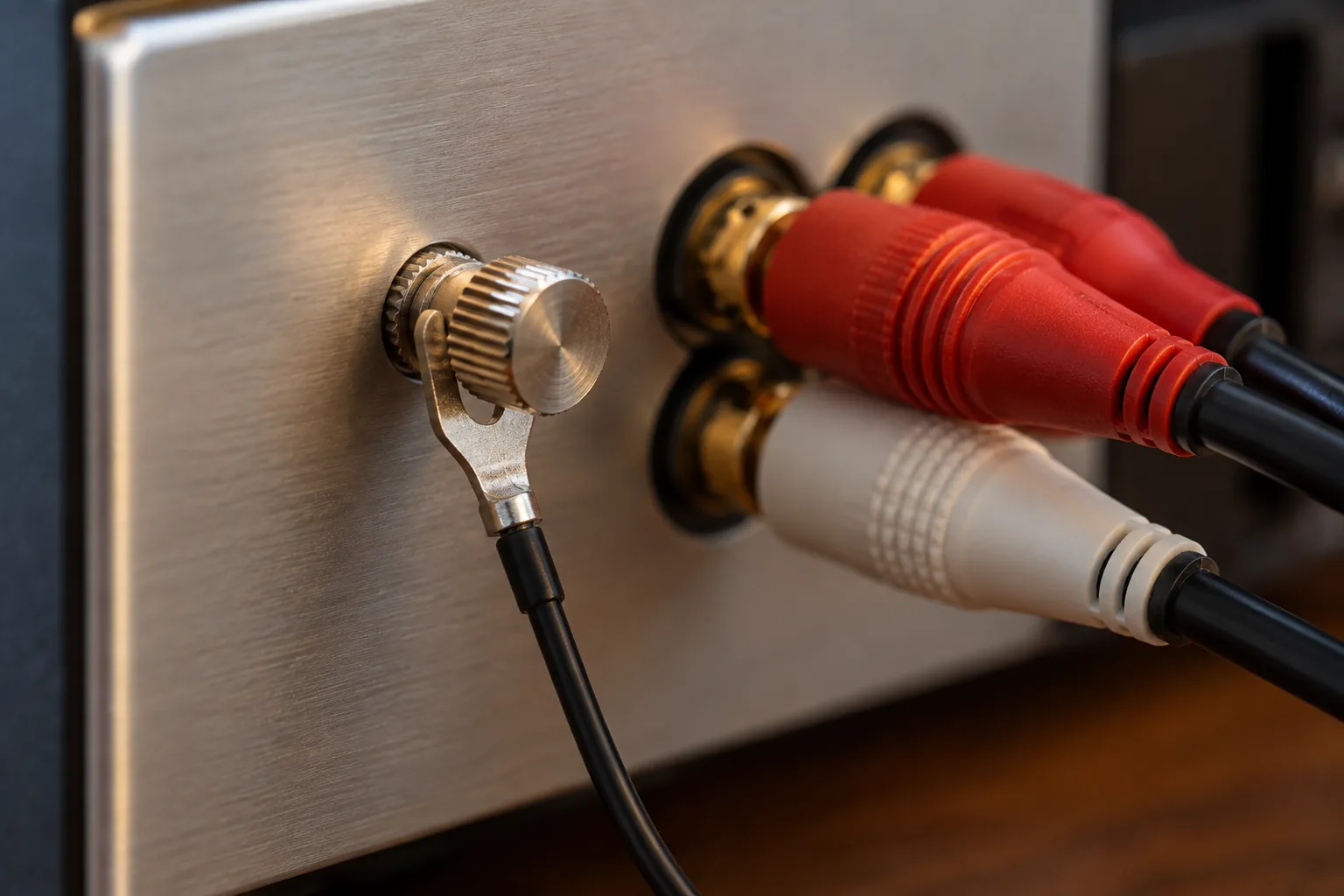
Most turntables have, besides the RCA cable, a thin separate wire with a fork or a ring at the end. That is the earth wire. It connects the metal of the turntable and tonearm to the amplifier, so interference from the mains does not get into the cartridge's weak signal. If it hangs loose, you hear a constant hum that grows with the volume. The fork belongs under the earth screw next to the amplifier's phono input, or on the screw of a separate preamp box if you use one.
Do not just lay the fork against it. Undo the screw, slide the fork under it and tighten it again, so metal clamps on metal. An earth wire lying loose next to it does nothing. If it still hums, check whether the other end is attached to the turntable; some turntables have a screw there too.
Not every turntable has an earth wire. Many turntables with a built-in preamp have none, because the earth then runs through the RCA cable. If your turntable has no earth wire and hums anyway, it helps to route the RCA cable away from power cables, power strips and adapters, and to plug the turntable and the amplifier into the same power strip.
There is another kind of hum that comes from outside the setup. If your amplifier is also connected to a TV, a set-top box or a receiver on the aerial cable, the hum can come in through that cable. Disconnect the aerial cable or the cable to the TV for a moment. If the hum goes away, you know where it comes from, and the first thing to try then is connecting everything to one power strip.
Hum that is not hum: motor and vibration
Not every low sound is an earthing problem. If you only hear it when the stylus is on a spinning record, and mainly in the quiet bits between two tracks, it may come from the turntable itself: a motor that vibrates, or a bearing that rumbles. That is not unusual with cheap turntables, and a wobbly surface makes it worse.
Another low sound appears when the speakers and the turntable are on the same piece of furniture. The stylus then picks up the speakers' vibration, which is amplified again, and at higher volume that builds into a booming, swelling tone. You test it by gently tapping the furniture at low volume with the stylus on a stationary record. If you hear every tap loudly through the speakers, vibration is reaching the stylus. The fix is to put the speakers in their own place or on stands; how to do that in a cramped room is covered in the guide on speaker placement in a small room.
The phono/line switch and the number of preamps
A turntable needs exactly one phono preamp. It sits in the turntable, in the amplifier or in a separate box in between. Many new turntables have one built in, with a switch on the back with two positions, usually phono and line. That switch is the source of a large share of all complaints, and it costs nothing to flip.
If it sounds quiet and thin, without bass, and you have to turn the volume a long way up, a preamp is missing. That happens when the turntable is set to phono and connected to a line input, such as aux, line or CD. Set the switch to line, or connect the turntable to an input labelled phono if your amplifier has one.
If it sounds loud and distorted even at a quarter of the volume, with a hard, sharp top end, there are two preamps in a row. That happens when the turntable is set to line and still goes into a phono input or a separate box. Set the switch to phono, or choose a line input on the amplifier. Where to look to know whether there is already a preamp in your setup is covered in detail in the guide on buying a phono preamp.
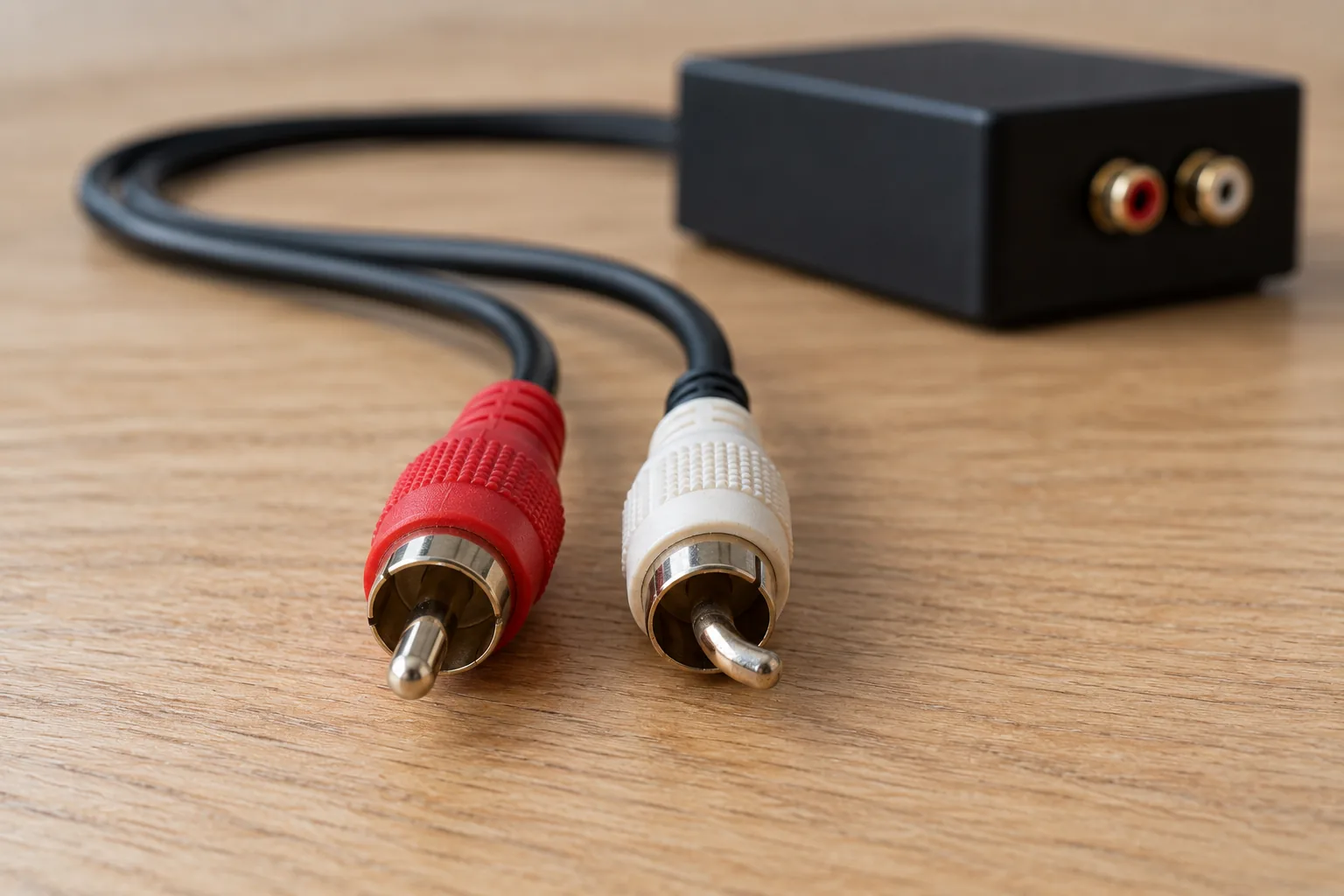
If your turntable has no switch and your amplifier has no phono input, this is the one situation in which you genuinely have to buy something: a separate preamp box between the turntable and a line input. For the cartridge on almost every entry-level turntable and every old turntable from the market, a simple box is enough. It is also the only purchase in this entire guide.
Turntable makes no sound: go through the chain
If you hear nothing at all, start at the end of the chain and work back to the turntable. Is the amplifier on the right input? Is mute on? Does it have a switch for speakers A and B, and is it set to the group your speakers are connected to? On many amplifiers, headphones in the headphone socket switch the speakers off, so check whether a plug is still in there.
Older amplifiers and receivers often have a button called tape monitor. If it is on, the amplifier only plays what comes in on the tape input and stays silent for every other source, including the turntable. It is one of the most common reasons a second-hand amplifier seems broken when it works perfectly well. Switch it off and try again.
With active speakers, look at the volume knob on the back or side, which is sometimes turned all the way down, and at the input: many sets have several inputs and a button to choose between Bluetooth, aux and phono. Some active speakers go into standby after a period of silence and only wake again when a signal comes in. A signal that is too weak, such as a phono signal on a line input, is sometimes not strong enough to wake them.
Finally, look at the turntable itself. Is the platter turning, is the belt round the motor pulley, and is the stylus really in the groove? A new turntable often has a clear plastic cap over the stylus for protection. If it is still on, you hear nothing or only a faint scraping. Take it off carefully, forwards, away from the stylus.
One side drops out or crackles: cables and plugs
If you hear sound on only one side, or one side drops out when you knock a cable, there is a bad connection somewhere. Look at the RCA plugs first. If a plug is not fully in the socket, or the centre pin is bent, it does not make good contact. A bent pin can sometimes be carefully straightened, but a cable costs so little that replacing it is often the better choice.
Then swap the two RCA plugs at the amplifier end, left into right and right into left. If the silence moves to the other speaker, the problem is before the amplifier: in the cable or in the turntable. If the silence stays on the same side, it is the amplifier, the speaker cable or the speaker itself. Check the balance knob and any mono button on the amplifier too.
If the problem is in the turntable, look behind the cartridge. Between the tonearm and the cartridge run four thin coloured wires with small clips at the end. If one is loose or only half on its pin, a channel drops out or only that side hums. Push the clip gently back onto its pin with tweezers, with the turntable off and the stylus protected. If your turntable has a detachable headshell, also check that the collar holding it is screwed tight.
If it plays on both sides but sounds thin, with little bass and an image that does not sit between the speakers, a speaker wire may be reversed on passive speakers: plus and minus swapped on one of the two. That is called out of phase and takes ten seconds to fix. How to connect speaker cable is also covered in the guide on connecting your turntable.
Only last: the stylus
If all of the above is right and it still sounds distorted, the stylus comes into the picture. First check whether there is a bit of fluff or a ball of dust on it; that is the most common cause of sudden distortion, and it comes off with a soft stylus brush or a careful puff of breath. Always brush from back to front, never sideways. A dirty record gives the same sound, so also try a record you know is clean. How to keep records clean without making a chore of it is covered in the guide on cleaning records.
Then look at the tracking force. A tonearm with an adjustable counterweight has to be set correctly for the cartridge on it. Too little force lets the stylus swing back and forth in the groove on loud passages, and that sounds like a raw, breaking distortion. Too much force makes the sound dull. The right force is in the cartridge's specifications. With a used turntable this is one of the first things to check, because nobody knows what the previous owner did to it.
If the distortion stays, especially towards the end of a side and on sharp s-sounds, the stylus may be worn. A little more distortion on the last tracks of a side is normal, because the groove there is shorter per revolution. If it becomes clearly worse than it was, or you see a damaged or crooked stylus under a magnifying glass, it is time to replace it. When that is really needed and when not is covered in the guide on replacing the stylus.
When you do need to buy something
In almost every case in this guide the fix is free: tighten a screw, flip a switch, push a plug in further or take a cap off the stylus. That is no coincidence. Most complaints about a turntable are about how it is connected, not about the turntable itself.
There are three situations in which you do need something. If a preamp is missing, because your turntable has none built in and your amplifier or speakers have no phono input, you need a separate box. If an RCA cable is damaged, you buy a new one, and an ordinary short cable is enough. And if the stylus really is worn, you replace the stylus or the cartridge.
Whatever you do, do not buy a new turntable or a new amplifier because it hums or sounds quiet before you have worked through the steps above. It takes a quarter of an hour, and there is a good chance the problem is gone afterwards. If you are unsure whether your turntable is worth keeping, the guide on choosing a turntable helps you see what sets a good turntable apart from one you are better off replacing.
Frequently asked questions
- Why does my turntable hum?
- Usually the earth wire is not properly attached. The fork belongs under the earth screw next to the amplifier's phono input or on the preamp box, with the screw tightened. If it still hums after that, route the RCA cable away from power cables and plug the turntable and amplifier into the same power strip.
- Why is my turntable making no sound?
- Usually something in the chain is off or on the wrong input: the input selector on the amplifier, mute, the A/B speaker switch or a tape monitor button. On a new turntable the protective cap is sometimes still on the stylus. Also check that the platter turns and the belt is round the motor pulley.
- Why does my turntable sound so quiet?
- Then a phono preamp is almost always missing. The turntable is set to phono and connected to a line input such as aux or line. Set the switch on the turntable to line, use the amplifier's phono input or put a separate preamp box in between.
- Why does my turntable sound distorted?
- Distortion at low volume usually means two preamps in a row: set the switch on the turntable to phono or choose a line input. Distortion on loud passages and at the end of a side points to dust on the stylus, the wrong tracking force or a worn stylus.